Connected attendance for Zimbabwean businesses

Biometric Attendance That Connects to Payroll

Manage employee attendance with compatible fingerprint and facial recognition devices connected to Timeless HR. Capture working hours, reduce manual attendance entry and simplify payroll preparation.

Request a Biometric Attendance Demo

Hardware is available separately. Confirm device compatibility before purchase.

Device walkthrough

From clock-in
to payroll.

See how a compatible biometric attendance device connects with payroll—from clock-in to reviewed hours and your next pay run.

Book a Demo
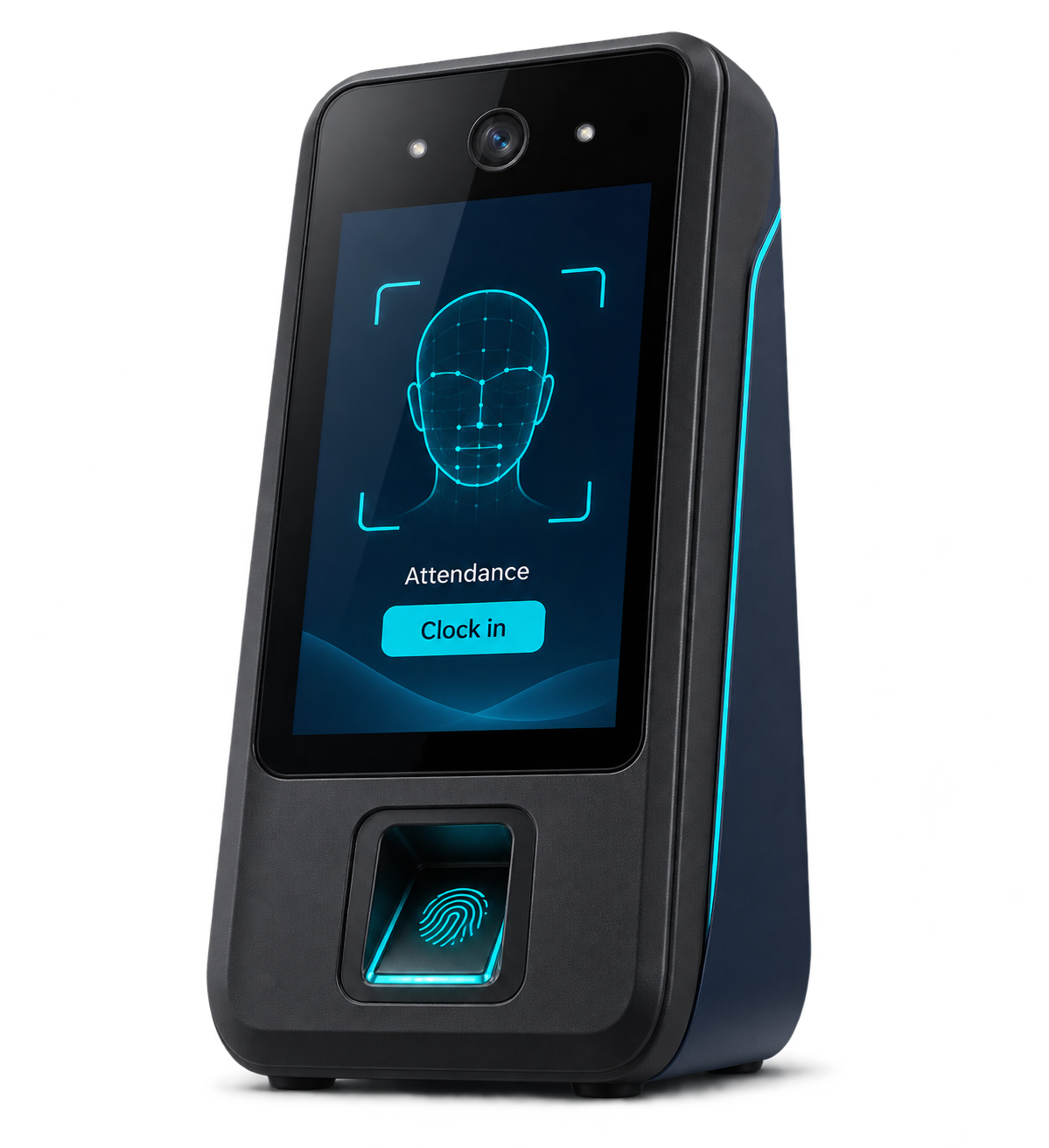
Illustrative biometric device with fingerprint and facial recognitionAttendance, connected.
Biometric attendance device walkthrough

How does attendance connect to payroll?

First, confirm a compatible device and installation plan with our team. Employees enrol on the device, and their device identifiers are mapped to the correct Timeless HR employee records. A configured connector then sends clock-in and clock-out records for timesheet review.

  1. Employee clocks in

    A compatible device captures clock-in and clock-out records.

  2. Attendance synchronises

    The configured connector sends attendance records to Timeless HR.

  3. Payroll uses attendance data

    Your team reviews timesheets and approves attendance and overtime under your rules.

  4. Payslip generated

    Approved attendance supports payroll using the employee’s salary arrangement.

Time and attendance capabilities

  • Fingerprint and facial recognition attendance with compatible devices
  • Employee clock-in and clock-out records
  • Automatic attendance synchronisation through a configured connector
  • Days and hours worked
  • Overtime management based on configured rules and approvals
  • Reviewed attendance information connected to payroll
  • Reduced manual data entry
  • Better attendance accountability

Employee mapping connects device identifiers to payroll employees. Authorised users can review attendance exceptions, days worked and calculated hours before payroll uses approved records.

Integrated with your payroll workflow

Attendance data supports payroll preparation using each employee’s configured salary arrangement. Review timesheets, apply your working-time rules and approve overtime before it enters payroll. A device scan alone does not approve overtime or create earnings.

Learn how attendance supports overtime calculations

Built for teams that work shifts

Manufacturing, mining, security, construction and hospitality teams need clear records of who worked, when and for how long. Connected attendance brings those records into payroll preparation and reduces repeated manual entry.

Explore payroll needs by industry

Devices, installation and connectivity

Biometric devices are sold separately from payroll subscriptions. Before purchasing, share your existing device model or proposed hardware and site requirements with the Timeless HR team. Confirm compatibility, installation availability, network connectivity and the quotation for your setup.

The connector needs connectivity to synchronise records with the cloud. Offline storage and later recovery depend on the device and connector configuration and should be confirmed for your installation.

The cloud attendance integration accepts attendance records; it excludes fingerprints, facial images and biometric templates from connector uploads.

Biometric attendance questions

How does biometric attendance work?

Employees clock in and out on a compatible fingerprint or facial recognition device. A configured connector sends attendance records to Timeless HR, where mapped employee records support timesheet review and payroll preparation. Compatibility must be confirmed for your device and setup.

Can a fingerprint attendance machine connect to payroll?

Yes, a compatible fingerprint attendance machine can supply clock-in and clock-out records through a configured connector. Employee mapping, attendance rules and approval settings determine how those records are used in payroll.

Can facial recognition attendance connect to Timeless HR?

Compatible facial recognition devices can supply attendance records through the connector integration. Confirm the model, firmware and connection requirements with the Timeless HR team before purchasing or connecting hardware.

Can attendance records be used to calculate overtime?

Yes. Attendance records support overtime calculations under configured shift and payroll rules. Overtime must follow the configured approval process before it is included in payroll; a clock-in record alone does not approve overtime or create earnings.

Does the device require internet access?

The connector needs connectivity to send records to the Timeless HR cloud. The device’s local network and internet requirements depend on the model and installation. Ask the team to confirm the requirements for your site.

Can I use an existing biometric attendance machine?

Possibly. Share the device brand, model, firmware and connection details with the team so compatibility can be assessed. Support for every attendance machine is not assumed.

What happens if the internet connection is unavailable?

Cloud synchronisation pauses while connectivity is unavailable. Whether records are retained and later uploaded depends on the device and connector setup. Confirm offline storage and recovery behaviour for your installation before relying on it.

Does Timeless HR sell and install biometric devices?

Biometric hardware is available separately from payroll subscriptions. Contact the Timeless HR team to confirm device availability, installation options, site requirements and any associated charges.

How much does biometric attendance cost in Zimbabwe?

The cost depends on compatible hardware, the number of devices and installation requirements. Request a quote from Timeless HR. Payroll subscriptions are priced separately, and biometric hardware is not included in the 7-day payroll trial.

Can multiple attendance devices connect to one payroll system?

The integration supports registering multiple devices and mapping their employee identifiers within a company. Confirm your sites, device compatibility and connector setup with the team; employee mapping and review are needed to keep attendance records consistent.

See your attendance and payroll workflow together.

Tell us about your team, devices and work patterns. We’ll help you confirm the requirements for your setup.

Prefer email? sales@timelesshr.co.zw